
In some cases, a client will need a specific version of ACME Sales or ACME AC assigned or assigned to/from their devices. Here are the steps to take in the Airwatch Console to make these changes:
1. Login to AirWatch and navigate to the Resources menu.
2. Select the specific version of ACME Sales or ACME AC you wish wish to work with and select the Assign button
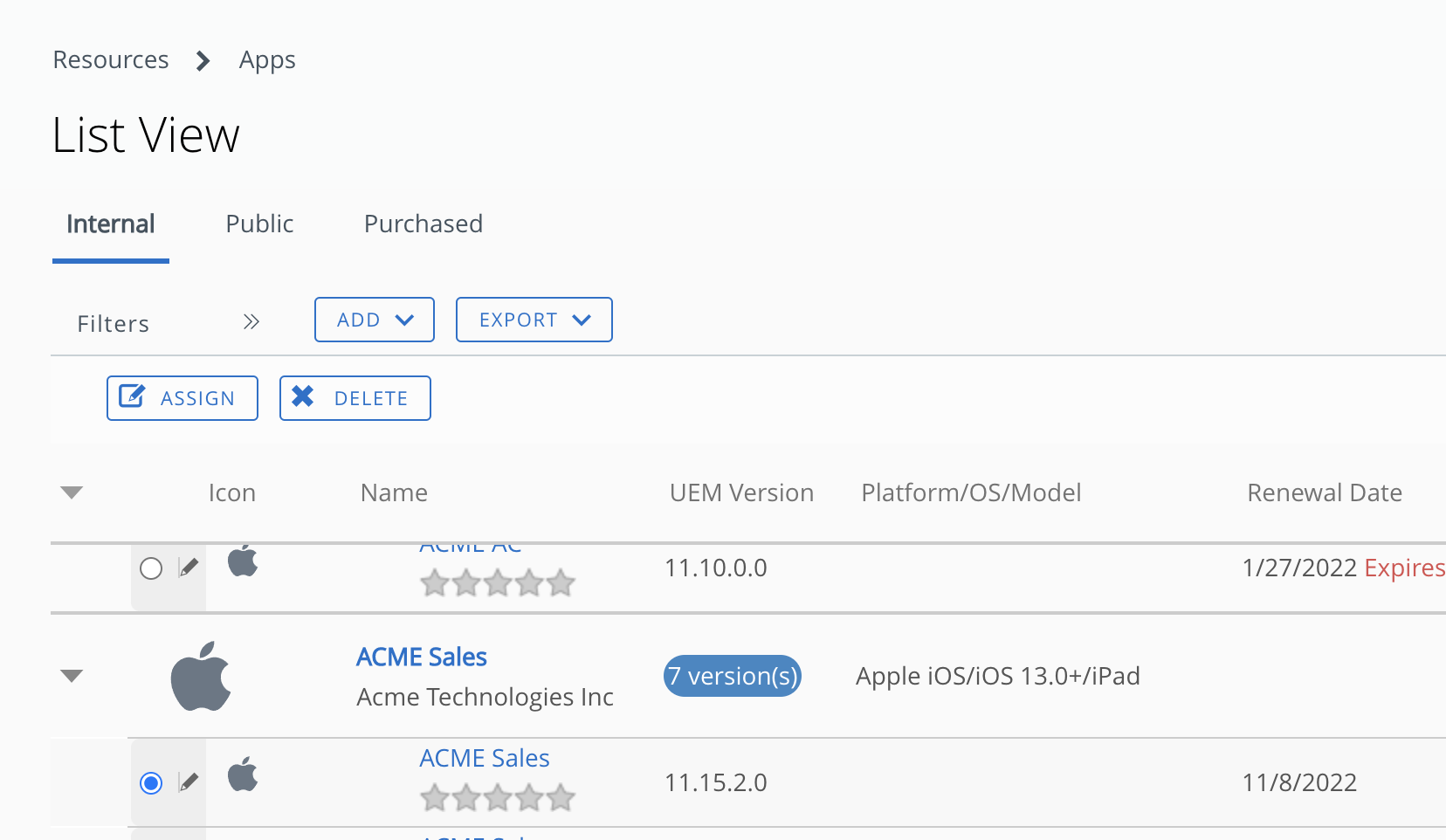
3. Select the Clients group.
4. You can search for a client to add to this group or remove an existing client from this assignment.
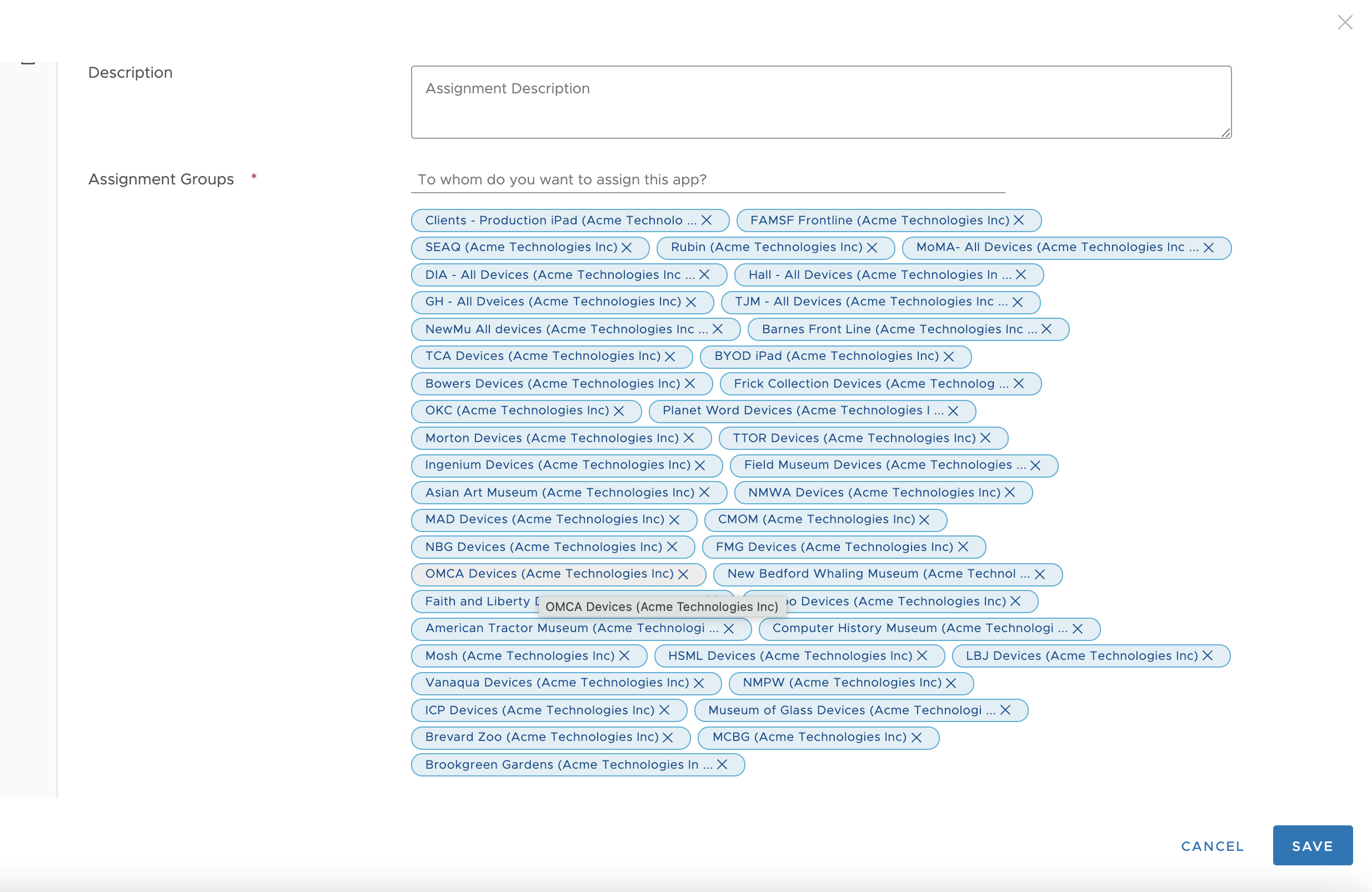
5. Save and Publish these changes
Assuming the client device is connecting to the Airwatch service, their catalog will show the updated selection immediately.